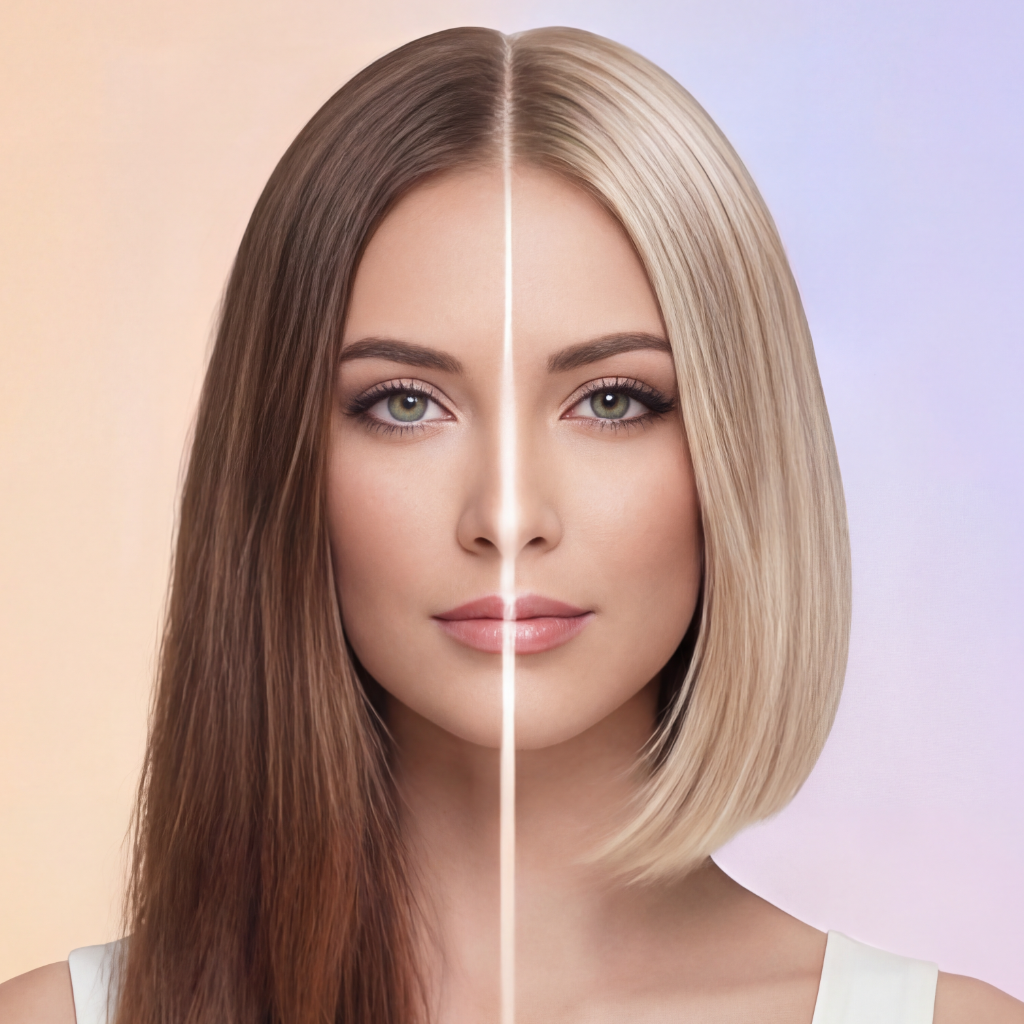
Hair Dye Filter - Preview Any Hair Dye Color
Try Any Hair Dye Virtually
Apply realistic hair dye filters to see how any color looks on you. From drug store box dyes to professional salon colors - preview them all before you dye. Make smart coloring decisions!
Realistic Hair Dye Filters
Professional-grade dye simulation technology
Popular Dye Brands
Try colors from popular box dye brands like L'Oréal, Garnier, and Clairol. See how specific products look before buying them at the store.
Salon Dye Colors
Preview professional salon dye lines. Try colors from Wella, Redken, and other salon brands to know exactly what shade to request at your appointment.
Fashion Dyes
Test bold semi-permanent dyes from Manic Panic, Arctic Fox, and Punky Color. See how vibrant fashion shades look without the commitment.
Dye Levels & Tones
Understand hair color levels (1-10) and tones (ash, neutral, warm, red). Our filter shows you how different undertones look on your skin.
Realistic Dye Effect
Our AI simulates actual dye results, not just overlays. See how your base color affects the final result, including undertones and lift.
Dye Recommendations
Get smart suggestions for which dye formulas work best for your hair type and color goals. Learn which products give you the results you want.
Benefits of Using Hair Dye Filters
Stop Wasting Money on Wrong Dyes
Bought a box dye that looked nothing like the box? Our filter shows realistic results so you choose the right product the first time, saving money on unused dyes.
Understand Color Chemistry
Learn how dye interacts with your base color. Understand why some colors need bleach first, why others turn brassy, and how to achieve your desired shade.
Test Before Committing
Hair dye is semi-permanent and hard to remove. Test colors virtually first so you're confident your choice will look great, not regrettable.
Match Box Photos
Box dye photos show models with different base colors. See how the dye actually looks on YOUR hair color and texture for accurate expectations.
Mix and Match
Want to combine two dyes or add highlights? Preview custom mixes and multi-tonal effects before buying multiple products.
Frequently Asked Questions
Everything you need to know about using our AI-powered app
A hair dye filter is a digital visualization tool that shows how colors would look, while real dyeing chemically alters your hair structure and color permanently or semi-permanently. Filters provide instant, risk-free previews that help you make informed decisions before committing to actual dye. Real dyeing requires maintenance, can damage hair if not done properly, and is difficult to reverse. Use filters extensively before dyeing to ensure you're genuinely excited about a color, not just temporarily curious.
Hair dye filters provide realistic visual approximations, though actual dye results vary based on your starting hair color, porosity, previous treatments, and dye brand formulation. Filters show ideal outcomes on healthy, evenly-colored hair. Real-world factors like required bleaching, color fading, and how your specific hair chemistry interacts with dye affect final results. Use filters as communication tools with professional colorists who can explain what's realistically achievable and what adjustments might be needed.
Yes, hair dye filters work on photos showing your current hair regardless of whether it's natural or dyed. The filter analyzes your photo and applies new colors over whatever shade appears in the image. This helps you preview color changes or corrections on your existing hair. However, remember that dyeing already-colored hair in real life behaves differently than virgin hair – previous color affects how new dye takes. Your colorist can advise on realistic expectations.
Advanced hair dye filters use AI to detect your photo's lighting conditions and adjust color rendering accordingly. The technology identifies whether your photo has warm or cool lighting, strong or soft shadows, and direct or diffuse illumination. It then applies colors with appropriate brightness and tone adjustments to match your environment. This ensures colors look natural in your photo's specific context. For best results, use photos with even, natural lighting similar to how you'd typically be seen.
Most hair dye filters show fresh, vibrant color results rather than faded outcomes. To simulate fading, try progressively lighter or more muted versions of your desired color within the filter library. This gives rough approximations of how certain colors fade – for example, vibrant red fades to orange, purple fades to lavender. Understanding fade patterns helps you choose colors whose faded state you'll also enjoy, extending satisfaction between coloring sessions and reducing maintenance frequency.
Hair dye filters offer significant advantages over static color swatches by showing colors specifically on your face, skin tone, and features. Swatches display colors in isolation, making it difficult to envision results on yourself. Filters eliminate this guesswork with personalized visualizations. However, swatches from specific dye brands show their exact formulas, while filters show general colors. The ideal approach combines both: use filters to identify flattering colors, then match those to specific products with your colorist.
Absolutely, and it's highly recommended. Hair dye filter results create clear visual communication with your colorist, reducing misunderstandings about your desired outcome. Save your favorite filter results and show them during your consultation. Your colorist can assess whether the color is achievable with your current hair, explain any necessary steps like bleaching or toning, and recommend specific products to match the filter result. This collaboration ensures you get the closest possible match to your digital preview.
Try Hair Dyes Virtually - Zero Commitment
Preview any hair dye color before you buy. Download free and make smart dye decisions with confidence!